Top AI Productivity Tools for Remote Teams in 2026
Discover the best AI productivity tools transforming remote work in 2026. Learn how teams use AI for collaboration, automation, and efficient workflows.
Top AI Productivity Tools for Remote Teams in 2026
Remote work has fundamentally reshaped how teams collaborate, communicate, and execute projects. As we progress through 2026, artificial intelligence has become the backbone of modern productivity infrastructure for distributed teams. Organizations are no longer asking whether to adopt AI tools—they're strategizing which ones deliver the highest ROI.
This guide explores the essential AI productivity tools that are redefining remote team workflows, helping managers and individual contributors work smarter, not harder.
Why Remote Teams Need AI Productivity Tools
Remote teams face unique challenges: timezone fragmentation, asynchronous communication bottlenecks, context switching, and the difficulty of maintaining focus without physical presence. AI productivity tools address these pain points by:
- Automating repetitive tasks, freeing human time for strategic work
- Enabling intelligent collaboration, bridging communication gaps across zones
- Providing real-time insights, helping teams optimize workflows
- Reducing decision fatigue, through AI-powered recommendations and summaries
According to recent workplace surveys, teams using AI productivity tools report 30-40% improvement in task completion rates and measurably better work-life balance.
Core Categories of AI Productivity Tools
1. Intelligent Meeting & Communication Assistants
Meetings are where remote teams lose productivity. AI assistants now handle transcription, summarization, and action item extraction automatically.
Fireflies.io uses advanced speech recognition to transcribe meetings in real-time across 60+ languages, then generates intelligent summaries and identifies action items without human intervention. Teams no longer need to take notes—they can focus entirely on discussion. The tool integrates with Zoom, Google Meet, Microsoft Teams, and Webex, making adoption frictionless.
Otter.ai specializes in capturing meeting moments that matter. Beyond transcription, it identifies speakers, highlights key questions, and creates searchable records. For distributed teams where someone always misses the live call, having an authoritative transcript with timestamps is invaluable.
Slack itself has evolved into an AI-native communication hub. With AI-powered workflow automation, smart search, and contextual notifications, it reduces the cognitive load of staying informed without constant Slack monitoring.
2. Writing & Content Generation Tools
Written communication—emails, documentation, proposals—comprises a significant portion of remote work. AI writing assistants dramatically improve quality and speed.
Claude (Anthropic's AI assistant) excels at drafting comprehensive documentation, editing for clarity, and explaining complex technical concepts. For remote teams creating knowledge bases and technical specs, Claude's ability to ask clarifying questions and produce nuanced outputs makes it invaluable.
ChatGPT remains the most widely adopted AI writing tool. Teams use it for brainstorming, drafting emails, creating meeting agendas, and generating boilerplate content. Its versatility across use cases makes it essential infrastructure.
Grammarly has evolved beyond grammar checking into a full writing assistant powered by AI. It catches tone issues, suggests improvements for clarity, and maintains consistency across brand voice—critical for teams producing customer-facing content.
3. Task Automation & Workflow Orchestration
Remote work generates abundant manual, repetitive tasks that waste focused work time. AI automation platforms eliminate these friction points.
Zapier connects 6,000+ applications and uses AI to suggest automations based on your workflow patterns. A common use case: automatically creating tasks in project management tools when new emails arrive, or summarizing Slack conversations into weekly reports.
Make (formerly Integromat) provides visual workflow automation with AI-enhanced logic. Remote teams use it to automate data entry between CRM systems, generate reports automatically, or trigger notifications based on complex conditions.
n8n offers open-source workflow automation with enterprise-grade capabilities. Technical teams appreciate its flexibility and ability to build sophisticated automation logic without vendor lock-in.
4. Project Management & Intelligent Planning
Remote teams struggle with visibility into project status and dependencies. AI-powered PM tools provide clarity.
Asana integrates AI to suggest task dependencies, estimate timelines, and flag risks automatically. The tool learns from your team's historical velocity and alerts managers to potential delays before they happen.
Monday.com uses AI to surface bottlenecks, predict completion dates, and recommend resource reallocation. For teams managing multiple projects with shared resources, this intelligence prevents scheduling conflicts and burnout.
Notion AI enables rapid documentation and database management. Teams use it to maintain living product specs, decision logs, and process documentation—all intelligently searchable and cross-referenced.
5. Research & Knowledge Synthesis
Remote workers often need to synthesize information from multiple sources quickly. AI research tools accelerate this.
Perplexity AI functions as an intelligent search engine, providing sourced answers to complex questions with citations. Remote teams researching market trends, competitor analysis, or technical solutions rely on its ability to synthesize information efficiently.
Google Gemini has evolved to include advanced research capabilities, helping teams analyze documents, extract insights from data, and generate reports with sources cited.
6. Focus & Time Management
Remote work blurs boundaries between "on" and "off," harming productivity and wellbeing. AI focus tools help maintain boundaries.
Focus@Will uses neuroscience-backed music and AI algorithms to adapt music selection to your focus patterns throughout the day. Surprisingly effective for remote workers dealing with home distractions.
RescueTime (with AI analysis) tracks time allocation automatically and provides insights about productivity patterns. When you see data showing you spend 6 hours in email daily, behavior change often follows.
Best Practices for Implementing AI Tools in Remote Teams
Start with Clear Pain Points
Don't implement AI tools for novelty. Identify specific productivity bottlenecks—whether it's meeting transcription, task switching, or decision-making—and solve those first. Success with one tool builds organizational confidence for broader adoption.
Prioritize Data Privacy & Security
Remote teams handle sensitive information across multiple tools. Ensure any AI tool you adopt:
- Doesn't train on your proprietary data
- Complies with industry regulations (GDPR, HIPAA, SOC 2)
- Offers SSO and granular permission controls
- Provides audit logs and data retention policies
Invest in Change Management
Adopting new tools fails without user buy-in. Create champions within your team, provide training, and share success stories. When team members see time reclaimed, they become advocates.
Integrate Thoughtfully
Tool sprawl creates its own productivity drain. Rather than adopting seven different AI tools, leverage APIs to create a unified workflow. Most modern tools offer webhooks, Zapier integration, or native connectors.
Discovering the Right Tools for Your Team
With hundreds of AI productivity tools available, finding the right combination for your specific workflow is challenging. ListmyAI.com maintains a curated directory of 1,000+ AI tools, allowing teams to filter by use case, integration capability, and pricing model. Rather than evaluating tools in isolation, you can compare options side-by-side and read detailed reviews from other remote teams.
The Future of AI-Powered Remote Work
By 2026, AI productivity tools are no longer competitive advantages—they're baseline infrastructure. The teams that outperform use AI strategically: automating routine work, augmenting human decision-making, and maintaining focus on high-value activities.
The next frontier involves deeper contextual awareness. AI tools that understand your entire work context—projects, priorities, communication history, and team dynamics—will provide increasingly relevant assistance without requiring explicit instructions.
Remote teams that adopt AI thoughtfully, with clear governance and user-centric implementation, will experience measurable improvements in output quality, team satisfaction, and work-life balance.
Conclusion: Your AI Productivity Stack Awaits
The best AI productivity tool for your remote team depends on your specific workflows, team size, and integration landscape. However, the teams winning in 2026 share common traits: they've eliminated meeting transcription work, automated routine tasks, and created clear information architecture using AI-assisted documentation.
Start by auditing your team's time allocation over a typical week. Where do you lose hours to administrative work? Where does context switching fragment focus? Begin with one AI tool addressing the highest-impact pain point. As you experience the benefits, expand strategically.
The remote work revolution demanded new collaboration tools. AI productivity tools are the natural evolution, enabling distributed teams to achieve focus, clarity, and efficiency previously possible only in physical offices. The question isn't whether to adopt AI—it's whether you can afford not to.
AI Tools Mentioned in This Article
Meet Ai For Slack
Slack integration for easy Google Meet setup and scheduling with natural language processing
Afanotes Ai Productivity
AFAnotes is an AI-powered tool for Slack that helps engineering teams focus and reclaim lost time
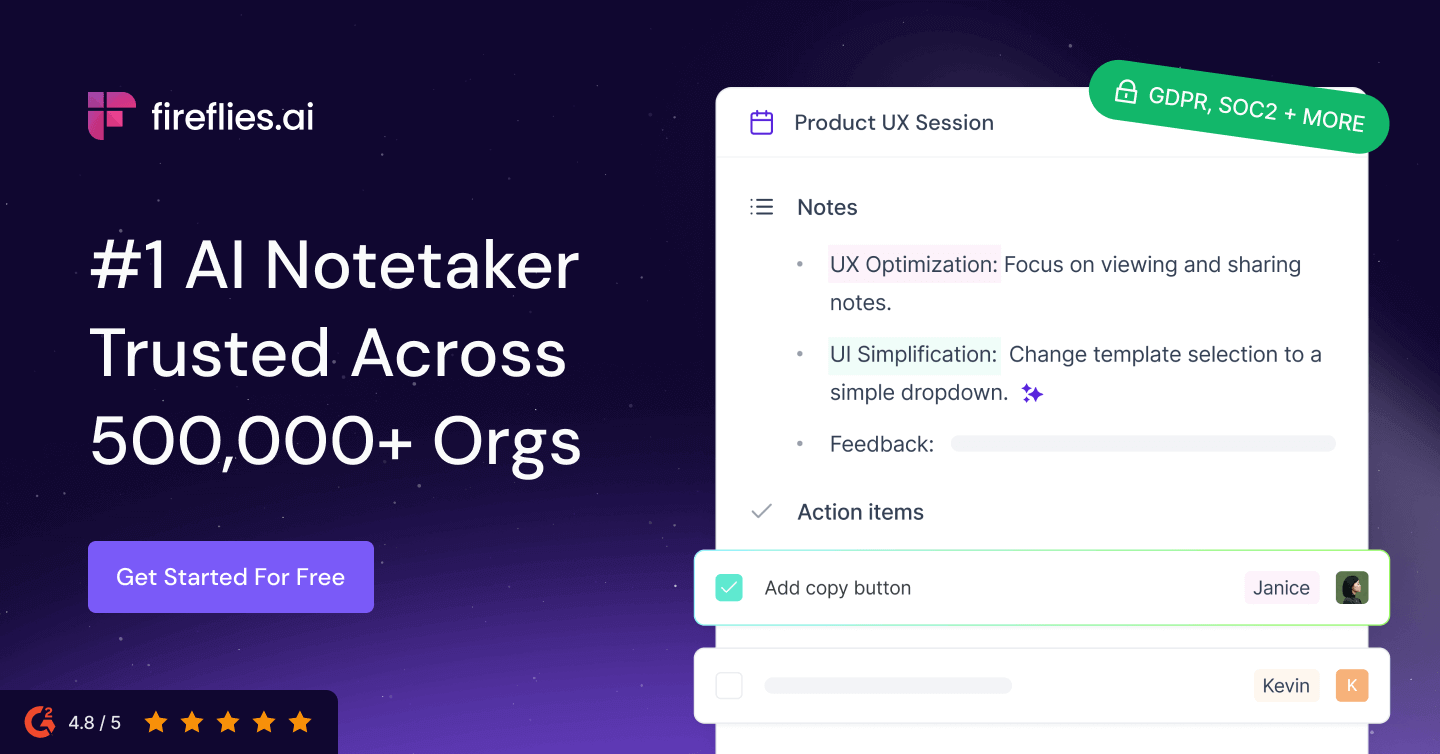
Fireflies.ai
High-accuracy transcription in 100 languages.
Otter Ai
AI meeting assistant for real-time transcription, summaries, and action items
Beedone Ai Gamified Productivity
AI-powered gamified daily planner for productivity and goal achievement
Skimai Productivity Assistant
SkimAI is an AI assistant for email management that boosts productivity
Explore more at the full AI tools directory →
Frequently Asked Questions
Start with a tool addressing your most pressing pain point. If meeting productivity is the bottleneck, choose Fireflies.io or Otter.ai. If written communication slows your team, start with Claude or ChatGPT. Success with one tool builds momentum for broader adoption.
Sources & Further Reading
Find the right AI tool for you
Browse 1,000+ AI tools in the ListmyAI directory
Comments
Sign in to comment
Join the conversation — sign in or create a free account.